
We have seen how to create reports in our previous article, but that report used to break when we have test case names with a special character or long names.
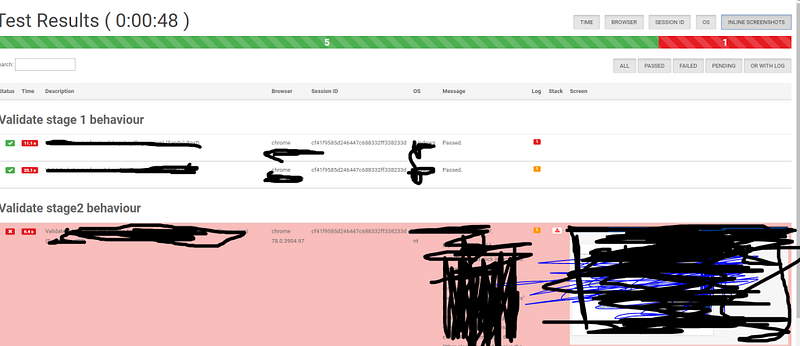
So I came across a better report and let’s see how to implement it.
Note: Drawback of this report is that you cannot send it as an attachment as it is dependent on many files. It won’t work as standalone,
So you can use both this report and the old report together and use this one for debugging and the other one as a summary to send along with emails.
Install protractor-beautiful-reporter
npm install protractor-beautiful-reporter --save-dev
Add below code to OnPrepare of the config file:
framework: 'jasmine',
onPrepare: function(){
let HtmlReporter = require('protractor-beautiful-reporter');
             jasmine.getEnv().addReporter(new HtmlReporter({
                baseDirectory: 'reports_new',
                screenshotsSubfolder: 'screenshotsOnFailure',
                takeScreenShotsOnlyForFailedSpecs: true,
                jsonsSubfolder: 'jsonFiles',
                excludeSkippedSpecs: true,
                preserveDirectory: false,
                clientDefaults:{
                showTotalDurationIn: "header",
                totalDurationFormat: "h:m:s",
                gatherBrowserLogs: true
              },
             }).getJasmine2Reporter());
}
Report:

 Learn with praveen