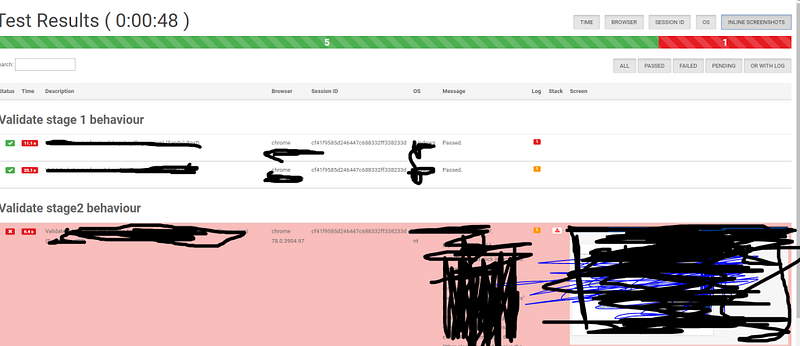
We have seen how to create reports in our previous article, but that report used to break when we have test case names with a special character or long names.
So I came across a better report and let’s see how to implement it.
Note: Drawback of this report is that you cannot send it as an attachment as it is dependent on many files. It won’t work as standalone,
So you can use both this report and the old report together and use this one for debugging and the other one as a summary to send along with emails.
But still, you can continue reading and see any of the features would be useful for you:
First, let us see why need reporting
Imagine you have written thousands was of wonderful test cases and you have put up it in CI/CD pipeline. You must be feeling proud right? and here the news that the first test runs for the suites you have written will run over the night and you get all excited.
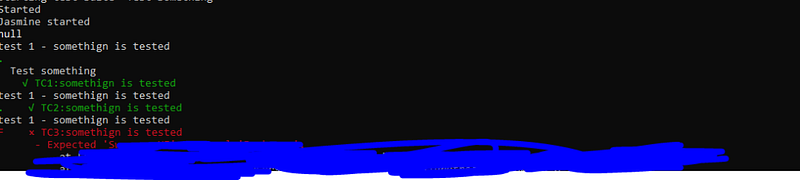
Next day you come to the office and sees the below console logs:
And you have no clue what passed, what failed because the execution got interrupted and was not completed.
Printing test status and logs after each test-case execution:
Add the below code to the protractor config file:
This enables real-time reporting, allowing to print errors onto console without having to wait for the test suite to finish executing.
// so the xml file will be stored in current directory as guitest-xmloutput
Output:
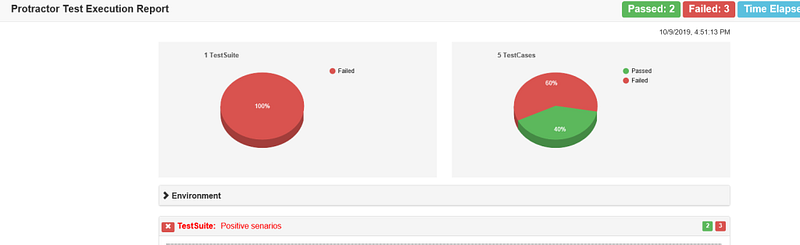
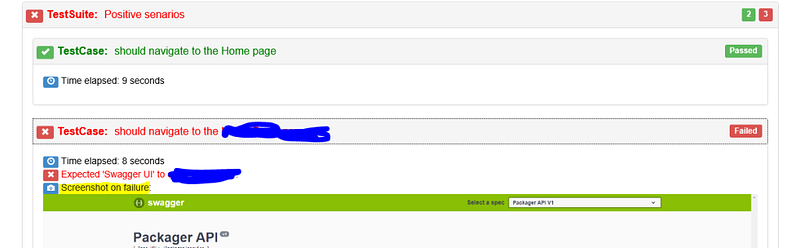
Lets now create a HTML report
This report can’t be send to a Business analyst or any other non-tech guy right!!! lets add some visual treats using HTML.
The below npm tool takes the xml file we created in the previous section and converts it too HTML. The result will be stored in the current directory as ProtractorTestReport.html
The code gets browser name, version etc from the capabilities property, and the suite and test case name, from ‘describe’ and ‘it’ functions in spec.
You can install the tool through npm:
npm i protractor-html-reporter-2
Now add below code to conf.js
exports.config = {

   onComplete: function() {
     var browserName, browserVersion;
     var capsPromise = browser.getCapabilities();



 Learn with praveen